
Thousands of users land on this tool every month expecting FPS boosts. What they find instead is a straightforward browser-based encoder and decoder that has nothing to do with gaming performance.
The 120fpsconfigfile.pro base64 code converter tool is a free, browser-based utility that converts Base64 encoded strings into readable text, and plain text back into Base64 format. That is the complete scope of what it does. No gaming tweaks, no frame rate changes, no system configuration involved whatsoever.
The name causes real confusion. Search traffic to the tool is dominated by gamers and mobile users who associate “120fps” and “config file” with performance settings. The actual product on the page is a text encoding tool, and understanding the difference matters before you rely on it for anything.
Base64 is not encryption. It is a transport format that converts binary data into text characters so it can move safely through text-only systems.
What Is Base64 and Why Does It Exist?
Base64 is a binary-to-text encoding method that represents data using 64 printable ASCII characters: uppercase and lowercase letters, digits 0 through 9, plus the + and / symbols, with = used as padding. The encoding converts every three bytes of input (24 bits) into four Base64 characters, which means the output is roughly 33 percent larger than the original data.
The reason it exists goes back to early internet infrastructure. Protocols like SMTP were built exclusively for 7-bit ASCII text. When developers needed to send images, binary files, or structured data through these text-only channels, they needed a way to convert that binary content into characters the system could safely handle. Base64 became the standard solution, and it still appears constantly in modern development: email attachments via the MIME standard, data URIs embedded in HTML and CSS, JSON Web Tokens for API authentication, and cloud infrastructure scripts for services like AWS EC2.
Where Base64 Shows Up in Real Work
- Email attachments: The MIME standard uses Base64 to encode binary files for transmission over SMTP.
- Inline images: Web developers embed small icons and logos directly in HTML using Base64 data URIs to reduce HTTP requests.
- API authentication: JSON Web Tokens (JWTs) consist of three Base64-encoded sections separated by periods.
- Cloud scripts: AWS user data for EC2 instances and similar startup scripts travel as Base64 strings inside instance metadata.
- Config file editing: Encoded configuration blocks in gaming profiles and app settings require decoding before values can be read or changed.
What the 120fpsconfigfile.pro Base64 Code Converter Tool Actually Provides
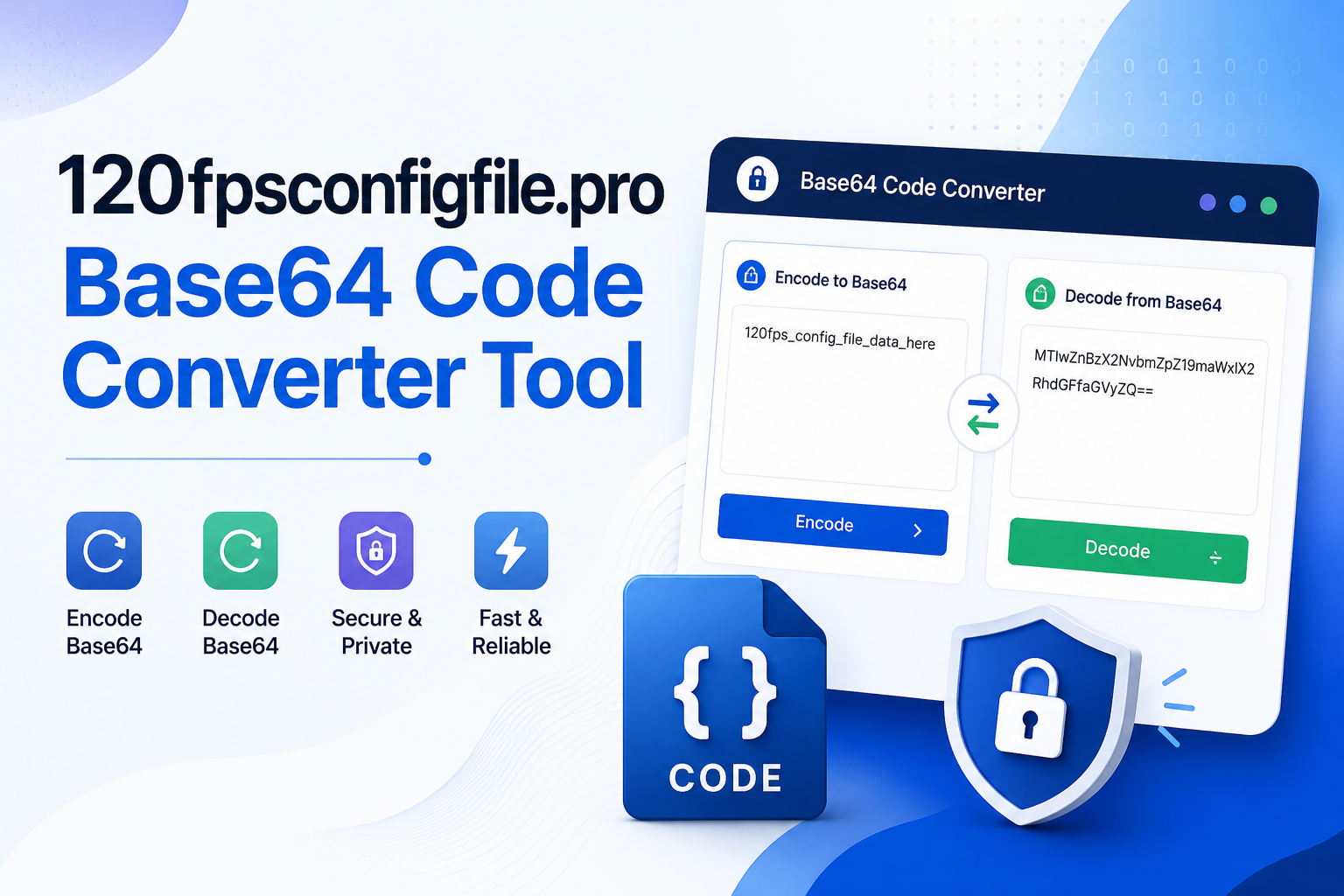
According to the tool page on 120fpsconfigfile.pro, the converter runs entirely inside your browser. The site states it does not store, share, or host any input or converted content. The processing happens client-side through JavaScript, which means your data is not transmitted to a server during a standard encode or decode operation.
The interface offers two directions of conversion. Decoding takes a Base64 string and outputs readable text. Encoding takes plain text and outputs a Base64 string. Users can copy the result to clipboard or in some configurations download it as a text file.
How To Use It
- Open the tool in your browser Navigate to the converter page at 120fpsconfigfile.pro without needing to install anything.
- Select a mode Choose Decode if you have a Base64 string you want to read, or Encode if you want to convert plain text into Base64 format.
- Paste your input For decoding, paste the Base64 string into the input field. The tool automatically strips whitespace and line breaks before processing.
- Review the output The converted result appears immediately in the output panel. Read it carefully before applying any changes, especially with config files.
- Copy and apply Use the copy to clipboard option. If you edited config values, re-encode the text and save it, always keeping a backup of the original file first.
Who Uses This Kind of Tool
The audience splits into a few clear groups. Developers working on APIs, email systems, or web assets reach for Base64 converters regularly as part of debugging and testing. They decode JWT tokens to inspect claims, check encoded email attachments, or validate data URIs before embedding them in production code.
The second group is mobile gamers and mod users who encounter encoded configuration files shared in communities. Game profiles and app settings sometimes store structured data in Base64 blocks because it allows binary-style data to sit inside plain text files. Decoding reveals the actual values, which can then be adjusted and re-encoded. The tool removes the need to set up command-line utilities like OpenSSL for what is often a quick, one-off task.
- Developers
Debugging JWT tokens, validating data URIs, checking encoded API responses, testing MIME email attachments.
- Gamers / Mod Users
Reading and editing encoded values inside FPS config files and app profiles without installing scripting tools.
- Bloggers / CMS Users
Converting code snippets into safe HTML entities for display inside Blogger, WordPress, or similar editors.
- DevOps Engineers
Encoding and validating cloud startup scripts, Terraform base64 functions, and Kubernetes secrets.
What the Tool Cannot Do
Base64 is not encryption. Decoding a Base64 string takes seconds with any standard tool, which means it provides zero security protection. Anyone who intercepts Base64-encoded data can read it immediately. Sensitive information like passwords, private API keys, authentication tokens, or financial data should never go into an online converter of any kind.
The tool also has no connection to gaming performance, system optimization, or FPS settings. Despite the site name, it cannot raise frame rates, adjust GPU or CPU behavior, or modify any application beyond what you manually change in a decoded config file. If a decoded string still looks unreadable after conversion, the underlying data is likely compressed or uses a structured binary format that requires more than a simple Base64 decode to interpret.
Before You Edit a Config File
- Always back up the original file before making any changes and re-encoding. One incorrect character in a structured config block can invalidate the entire file. Change one value at a time, test, then proceed. Do not use a rich text editor for edits, as these can insert hidden characters that break the encoding when processed.
Is the 120fpsconfigfile.pro Base64 Code Converter Tool Worth Using?
For quick, occasional decode tasks, the 120fpsconfigfile.pro Base64 code converter tool works the same way any standard compliant Base64 utility works. That means outputs match what you would get from verified local tools like OpenSSL or GNU base64.
Developers who need repeatable automation, advanced options like Base64URL encoding for JWT work, or MIME line wrapping for email systems may prefer a dedicated development tool with more configuration controls. For a casual one-time decode to check what is inside an encoded string, the browser-based option is fast and requires no setup.
The decision comes down to frequency and sensitivity. Occasional, non-sensitive decoding tasks are well-suited to this kind of browser tool. Production workflows handling credentials or critical data belong in controlled local environments. For everything else, the 120fpsconfigfile.pro base64 code converter tool gets the job done without any setup.